📥
Import & Sample Surfaces
Load STL, OBJ, or any GeoIO.jl format with explicit units, then Poisson-disk sample the surface at exactly the spacing you want.
Generate, optimize, and connect point clouds — from CAD surface to solver-ready in a few lines of Julia.
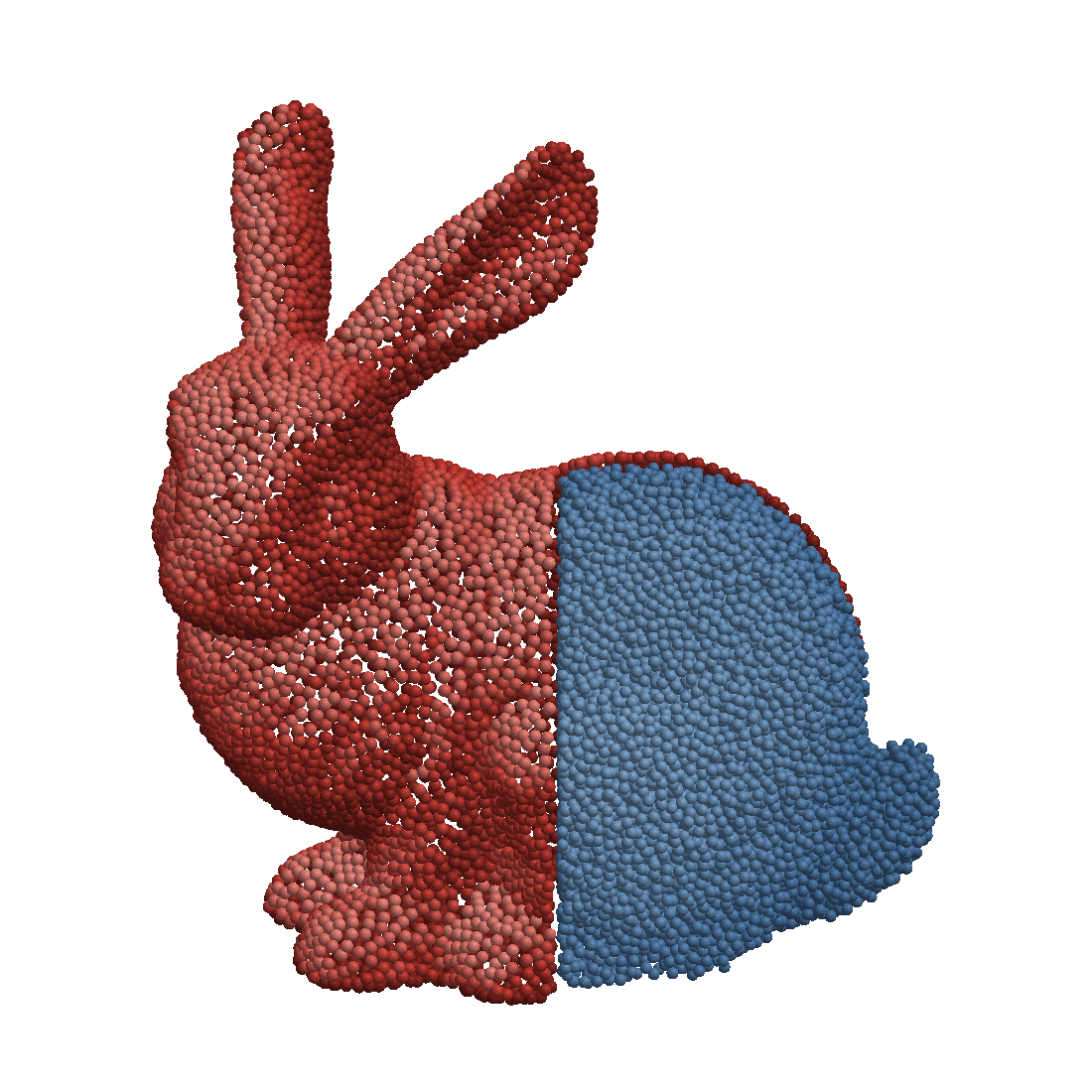
Load a surface mesh and inspect the boundary structure:
using WhatsThePoint
using Unitful: m
mesh = import_mesh(joinpath(@__DIR__, "assets/bunny.stl"), m)
boundary = PointBoundary(mesh)
PointBoundary{Meshes.𝔼{3}, CoordRefSystems.Cartesian3D{CoordRefSystems.NoDatum, Unitful.Quantity{Float64, 𝐋, Unitful.FreeUnits{(m,), 𝐋, nothing}}}}
├─69664 points
└─Surfaces
└─surface1using GLMakie
visualize(boundary; markersize=0.15)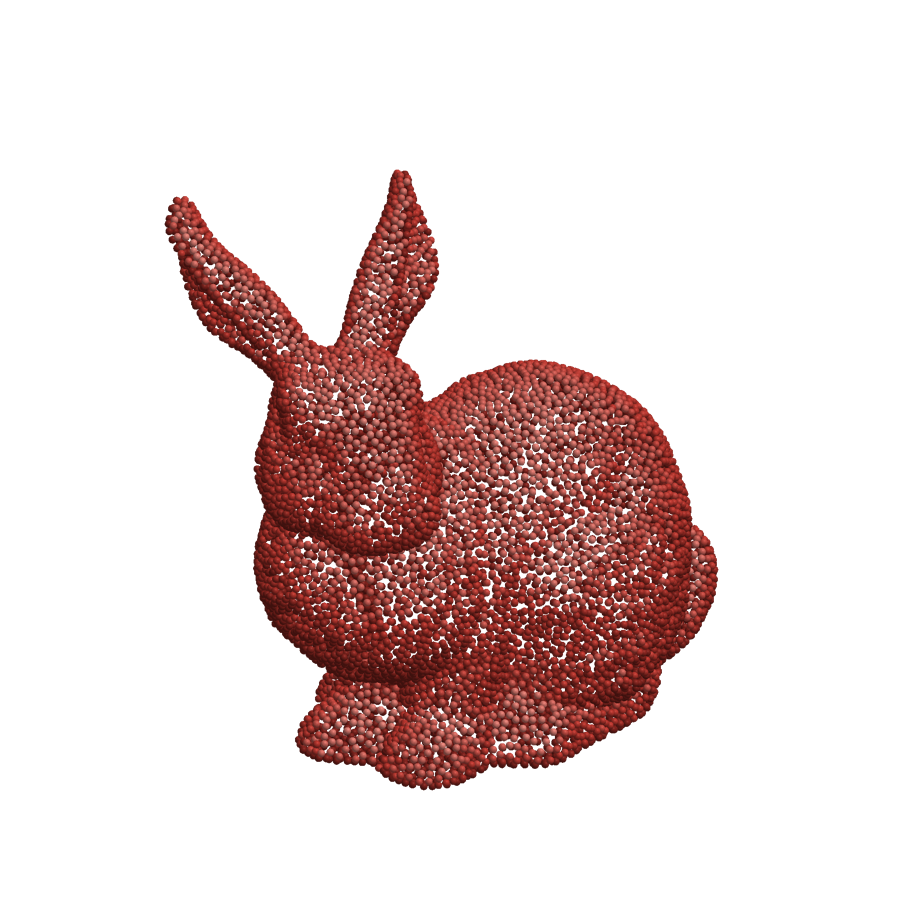
Generate volume points with discretize:
spacing = ConstantSpacing(1m)
cloud = discretize(boundary, spacing; alg=Orthtree(mesh))visualize(cloud; markersize=0.15)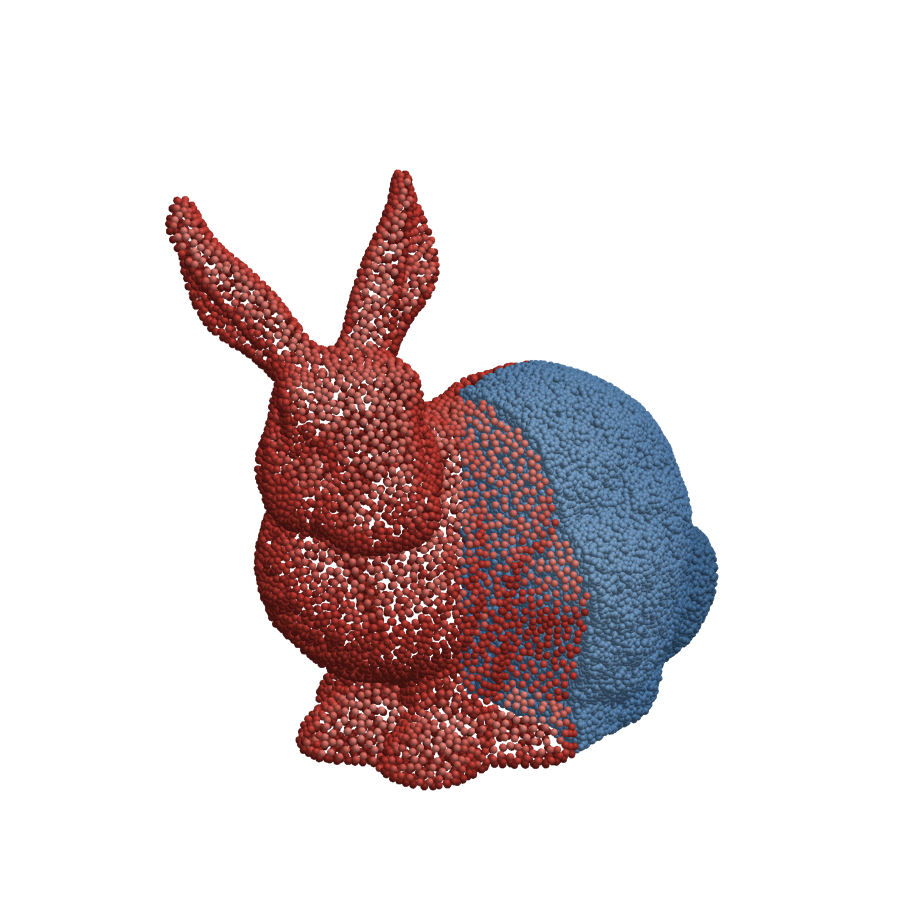
using Pkg
Pkg.add("WhatsThePoint")